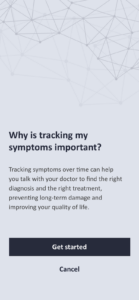
To add and manage your symptoms, navigate to the ‘Symptoms’ page in the app. If this is your first time adding symptoms, the page will initially appear like this.

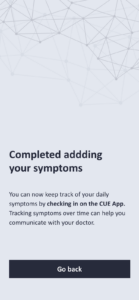
To begin adding your symptoms, press the ‘Get started’ button and follow the provided steps. If this is your first time adding symptoms, please note that the setup process might take a little longer. Once you have added your symptoms, you can monitor them daily by checking in through the CUE App. Regularly tracking your symptoms is beneficial as it helps you communicate more effectively with your doctor.
If you’ve already checked your symptoms from the ‘Check-in’ function on the home screen, the data will automatically be saved on the ‘Symptoms’ page.
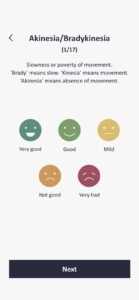
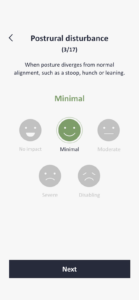
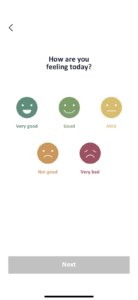
The app will prompt you to record today’s symptoms. To do this, simply click on the status icon, and then click ‘Next’ to proceed.
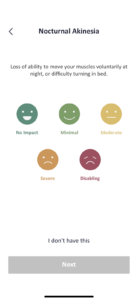
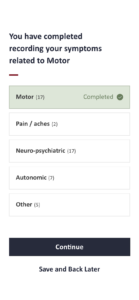
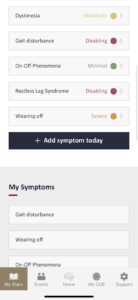
After saving them, you’ll see a screen like the one below. You can always update your symptoms for the day by clicking each symptom’s box, then change the status and click “Save” to apply it.
If you are experiencing any new symptoms today that you haven’t previously registered, you can add them by clicking the ‘Add symptom today’ button
At the bottom of the Symptoms page, you will find useful information sourced from esteemed institutions such as Parkinson’s Europe, Davis Phinney, and Parkinson’s UK. We will update it over time to provide personalised information tailored to your mood and symptoms.