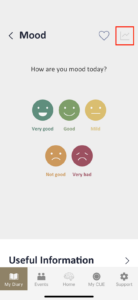
If you log your mood using the ‘Check-in’ function on the home screen, the app will automatically save this data to your profile, so you don’t need to enter it again.
However, if you haven’t already checked in, the app will prompt you to record your mood for the day. Simply click the face icon to begin, then proceed by clicking ‘Next.’ If you have additional details to add about your mood, you can enter them in the ‘Memo’.
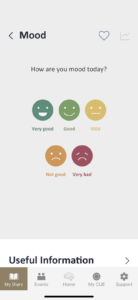
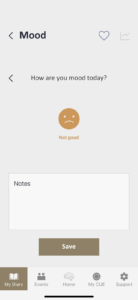
After you log your mood, the CUE App provides tailored recommendations to help enhance or maintain your mood, along with useful information on mental health care. You can easily access these suggestions and articles by clicking on each information box.
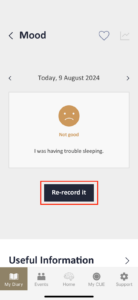
Once you’ve recorded your mood, you can revisit this page anytime and re-record your mood by clicking the ‘Re-record it’ button.
To monitor your mood over time, click on the chart icon located in the top right corner of the screen. You can track and export your progress on a weekly, monthly, and yearly basis. Additionally, you can review your progress using the chart view as needed.