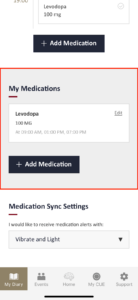
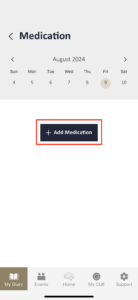
To add your medications, please click ‘+ Add medication’ button. Please note that you need to add each medication individually.
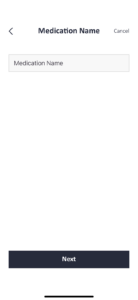
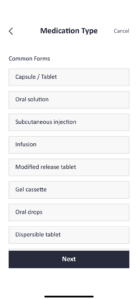
Once you have selected or entered your medication, click ‘Next.’ Then, choose the type and dosage of the medication. You’ll be directed to a page where you can set up alerts. Enter the necessary details, and we’ll send you notifications to remind you to take your medication, ensuring you never miss a dose.
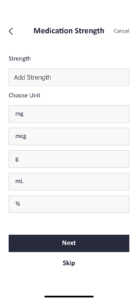
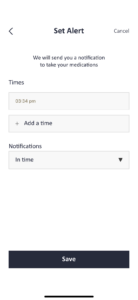
After setting all of these and clicking “Next,” you can review the details you’ve entered for this medication. On this page, you can also make changes to each section by clicking on them.
Once you click the “Save” button, the medication will be added to your calendar.
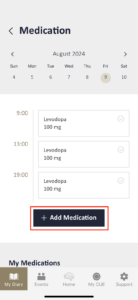
If you need to add a new medication, please scroll down the page. You’ll find the “My Medications” page, where you can add a new medication. By pressing the ‘Edit’ icon on the medication item, you can edit or delete the medication.