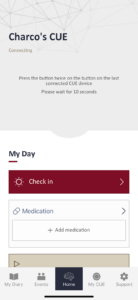
After the initial setup, the app will automatically connect to your CUE device 10 seconds after you open it, as long as the device is within range and its Bluetooth is active. To activate the Bluetooth on your CUE device, either press its button to cycle the power off and then on, or place the device on its charger; the Bluetooth advertising is active for 5 minutes out of the charging station but always whilst on the charging station.
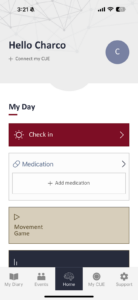
If you need to repeat the connection setup process, such as when connecting to a different CUE device or experiencing connection issues, simply press the “Connect my CUE” button on the home screen to proceed with connecting your device.
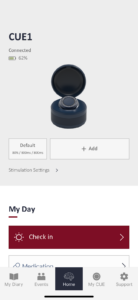
The app will automatically disconnect from your CUE device after 5 minutes of inactivity or if you terminate the app.